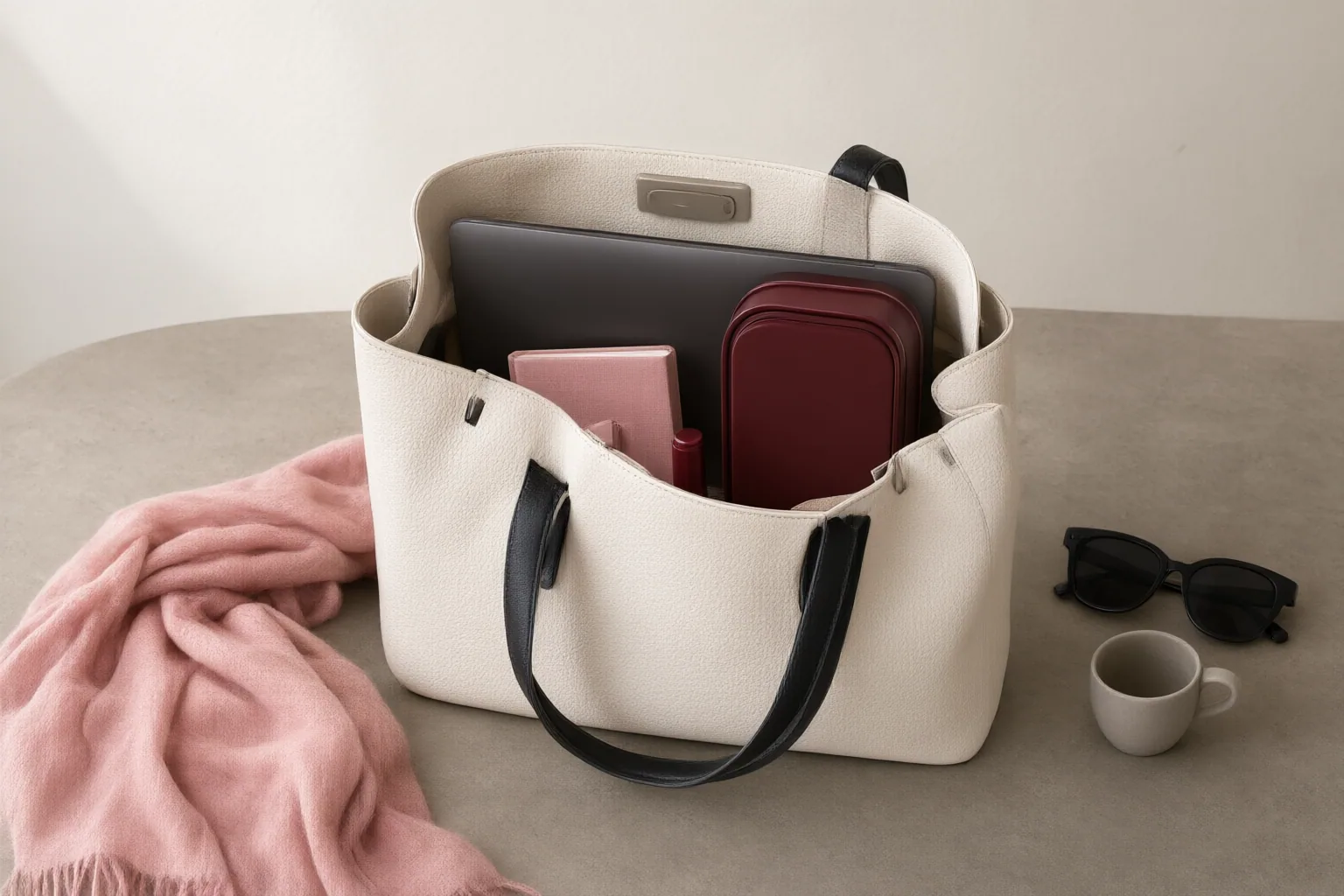
Choose a tote by measuring what you actually carry, confirming the laptop sleeve’s usable dimensions, separating food from electronics, and comparing closure, organization, empty weight, straps, construction, and product-specific protection claims.
Start With Your Actual Daily Load and Laptop Measurements
Begin with your normal packing list: laptop, protective case, lunch container, water, charger, notebook, and small essentials. Their combined volume is more useful than a tote’s exterior size alone because padding, dividers, and the lunch container reduce usable interior space.
Measure the laptop’s actual length, width, and depth while it is inside any case you plan to use. Compare those figures with the dedicated sleeve’s internal measurements—not merely its advertised screen-size category. Device thickness, padding, seams, and dividers can prevent two laptops with the same nominal screen size from fitting equally well. Also check that the rest of your packed load fits without forcing the laptop compartment out of shape.
Check Separation, Organization, and Closure
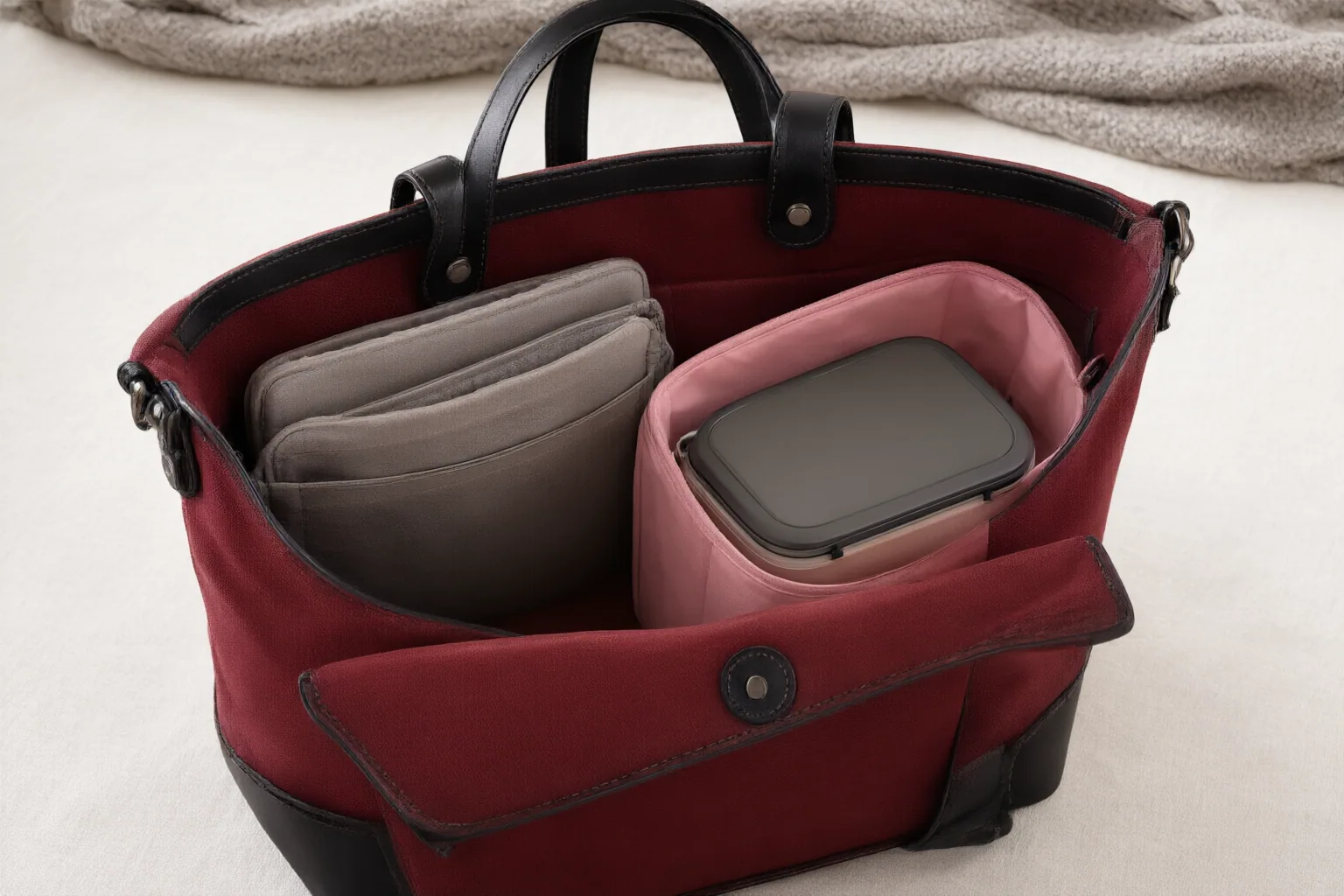
Look for a padded, clearly defined laptop compartment that limits movement and keeps the computer away from heavier or loose objects. If lunch shares the tote, choose a separate food area or another effective barrier between the container and electronics. This separation matters because an undivided interior leaves the laptop more exposed to food leaks or spills.
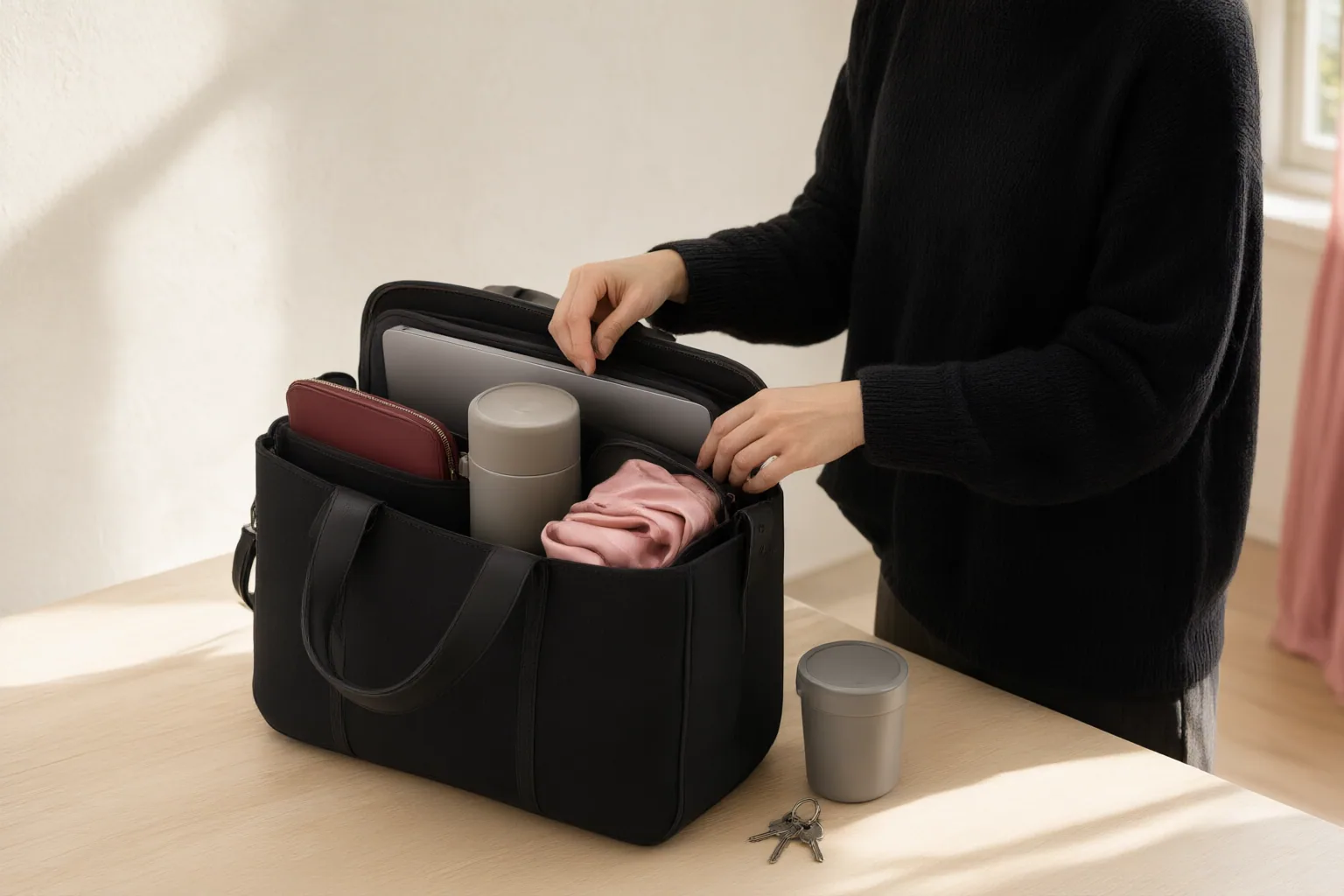
Match the pocket layout to what you carry. A zippered pocket can contain valuables, slip pockets keep frequently used items accessible, and dedicated spaces can organize chargers, pens, or notebooks. Otherwise, keys and phones may disappear into the main compartment.
Finally, choose the opening for your routine. An open top provides faster access, while a full zipper offers greater containment and security during commuting or travel. Neither design is universally preferable; the practical choice depends on whether access or containment matters more.
Assess Carrying Comfort, Weight, and Construction
Check the tote’s empty weight before judging comfort. A laptop, lunch, water, and everyday gear will make the finished load substantially heavier. Added structure and padding may improve organization and protection, but they can also increase the weight you carry.
Examine strap width and carrying options. Thin straps may become uncomfortable under a heavy load, particularly during a long walk or commute. Depending on your needs, top handles, shoulder straps, or an adjustable crossbody configuration can change how versatile the tote feels.
Inspect handle attachment points for reinforced stitching and check that the hardware feels solid, since these are structural stress areas. For weather and spill protection, read the maker’s specific claims and care information. Material labels such as nylon or canvas do not, by themselves, establish a particular level of water resistance.
Conclusion
Before buying, confirm the sleeve’s real internal measurements, check the tote against your complete daily load, and keep lunch separated from electronics. Choose a closure and pocket layout that suit your routine, then inspect empty weight, straps, handle attachments, and hardware. Because capacity, comfort, water resistance, and leak protection vary by product, verify the maker’s measurements, construction details, care instructions, and warranty terms. Measure your laptop and packed lunch now, assemble your usual essentials, and compare every candidate against this checklist.
Disclosures and limitations
- This article was prepared with AI assistance from the supplied research sources; product-specific measurements and performance claims should be verified with the maker.
- No specific products or affiliate links are recommended here. If affiliate links are added later, that commercial relationship should be clearly disclosed.
Related reading
Sources
- Best Tote Bag for Work When You Carry a Laptop and Lunch — House of Versa
- The Ultimate Tote Bag Guide 2026: Best Picks, Buying Tips, Care & Styling Ideas – Universe Packing — Universe Packing
- Best Laptop Bag For You: How To Pick In 2026 | Pack Hacker — Pack Hacker
- Finding the Best Laptop Tote Bags for Work and Travel — Urban Totes
- 8 Stylish, Durable Tote Bags — Wirecutter: Reviews for the Real World
- How to Choose the Perfect Tote Bag – backpacks4less.com — backpacks4less.com
- 8 Best Laptop Bags with Lunch Compartments 2025 — Think Indoor
- How to Choose the Best Laptop Tote Bags for 2026 — Lenovo
- 7 Best 3 in 1 Tote Bag with Lunch Compartment Alternatives for Women in 2026 — Luhxe
- 12 Best Tote Bags (September 2026) Tested and Reviewed — Kayak Cambria